Welcome to Buruj

To view this exclusive proposal, please enter your email address. This helps us track interest and provide you with updates.

CONTROL TEAM

Residential Towers Maintenance System

Premium Digital Solution for Modern Living
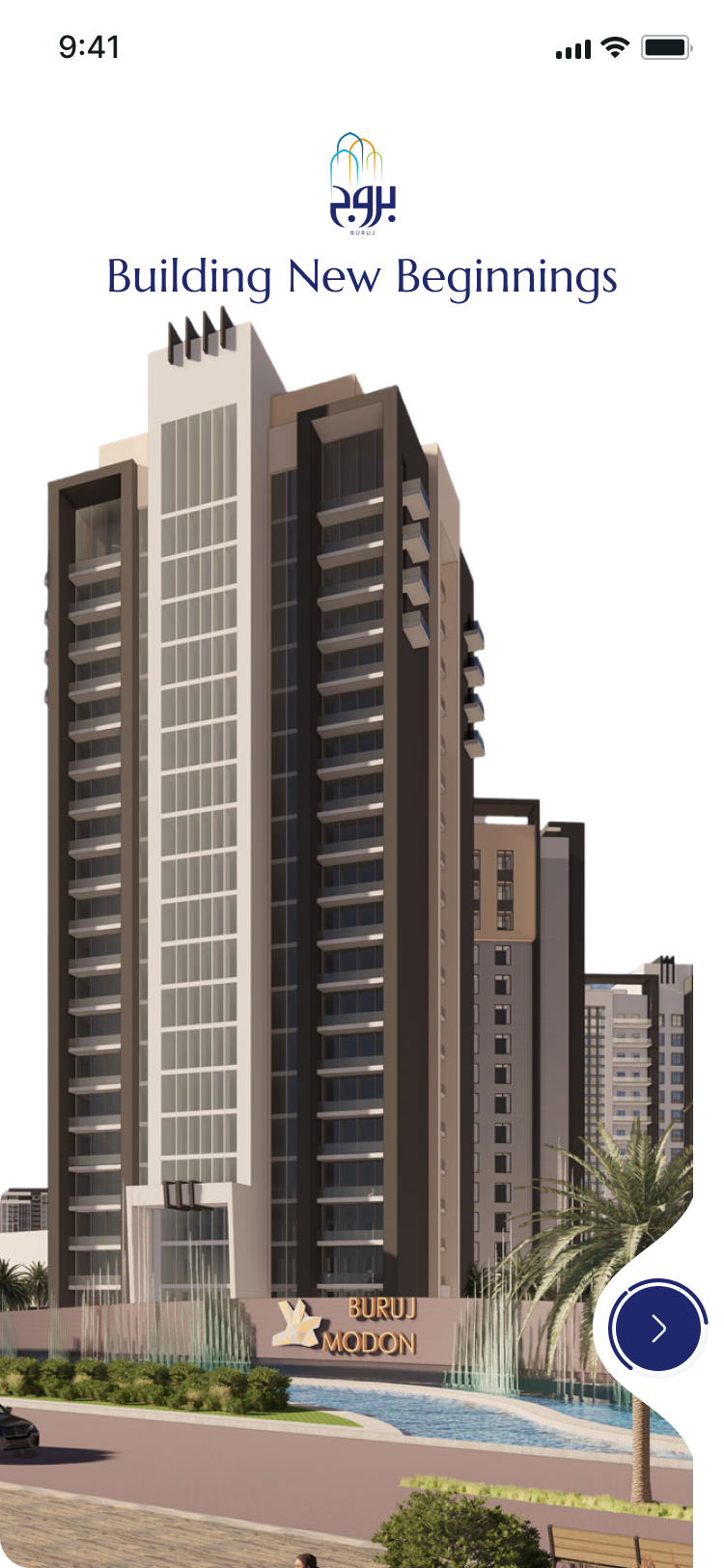
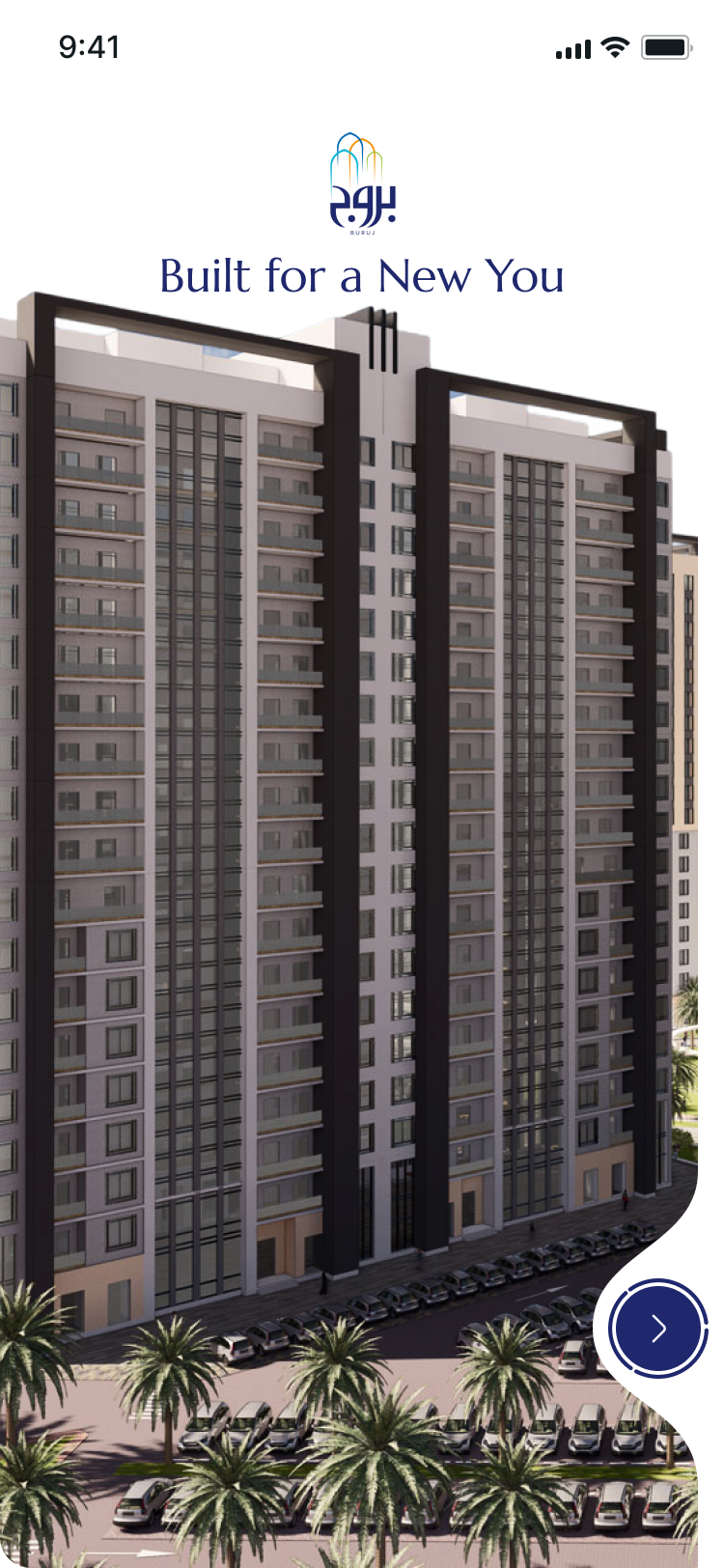
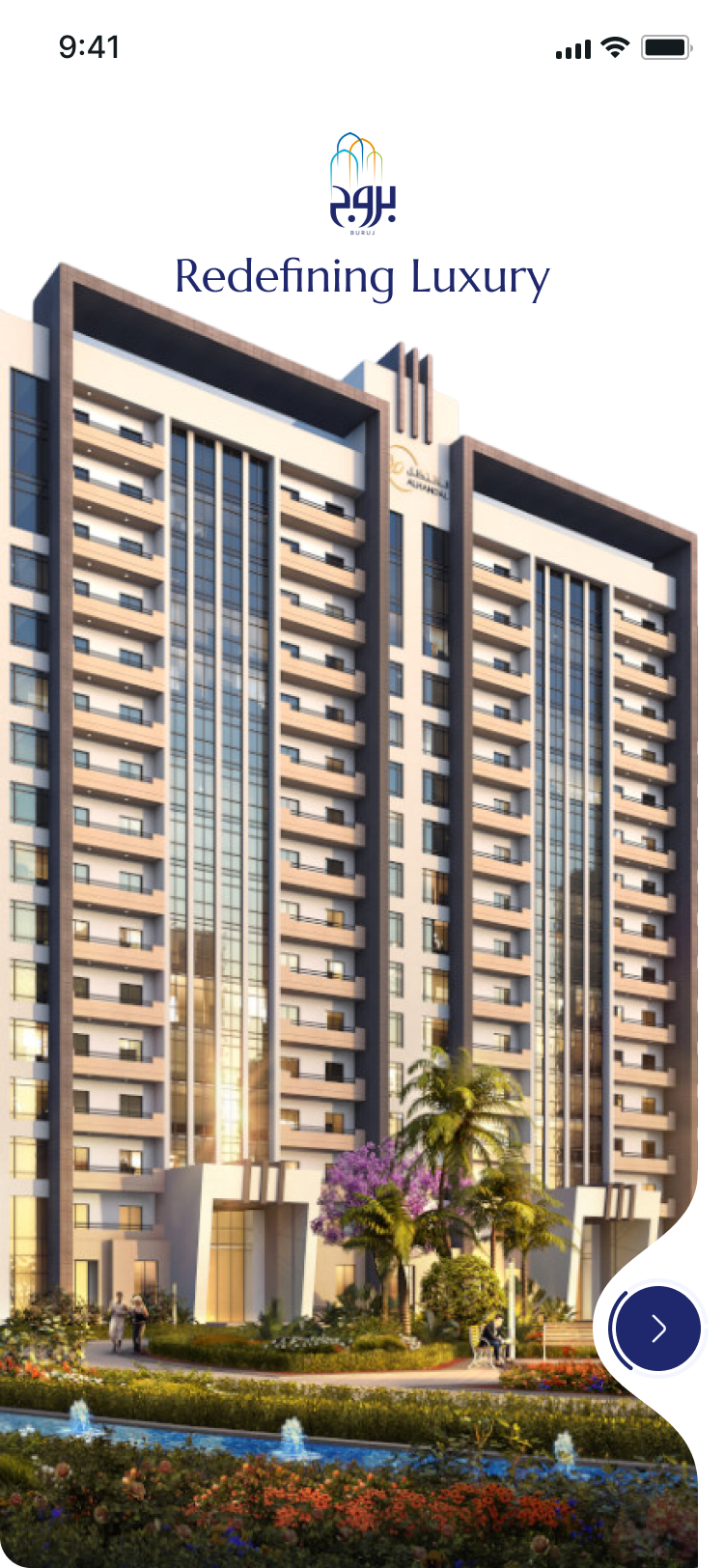
Buruj Splash Screen

Project Overview

The Buruj system is a comprehensive digital platform designed to revolutionize maintenance management for residential towers and complexes. Our solution centralizes all maintenance activities including Mechanical, Electrical, Civil, Gas, Water, and Wall modifications into one seamless experience.

Key Objectives

  • Centralize maintenance requests in one digital platform
  • Provide residents with a ticket-based system to submit and track issues
  • Enable maintenance managers to assign, track, and evaluate staff
  • Generate comprehensive reports and analytics for transparency
  • Integrate with communication tools (WhatsApp notifications)

Stakeholders

Residents

Users raising maintenance requests and tracking progress

Managers

Review, assign, and monitor all maintenance tasks

Maintenance Staff

Execute and complete maintenance tasks efficiently

Administration

Access reports, analytics, and approvals
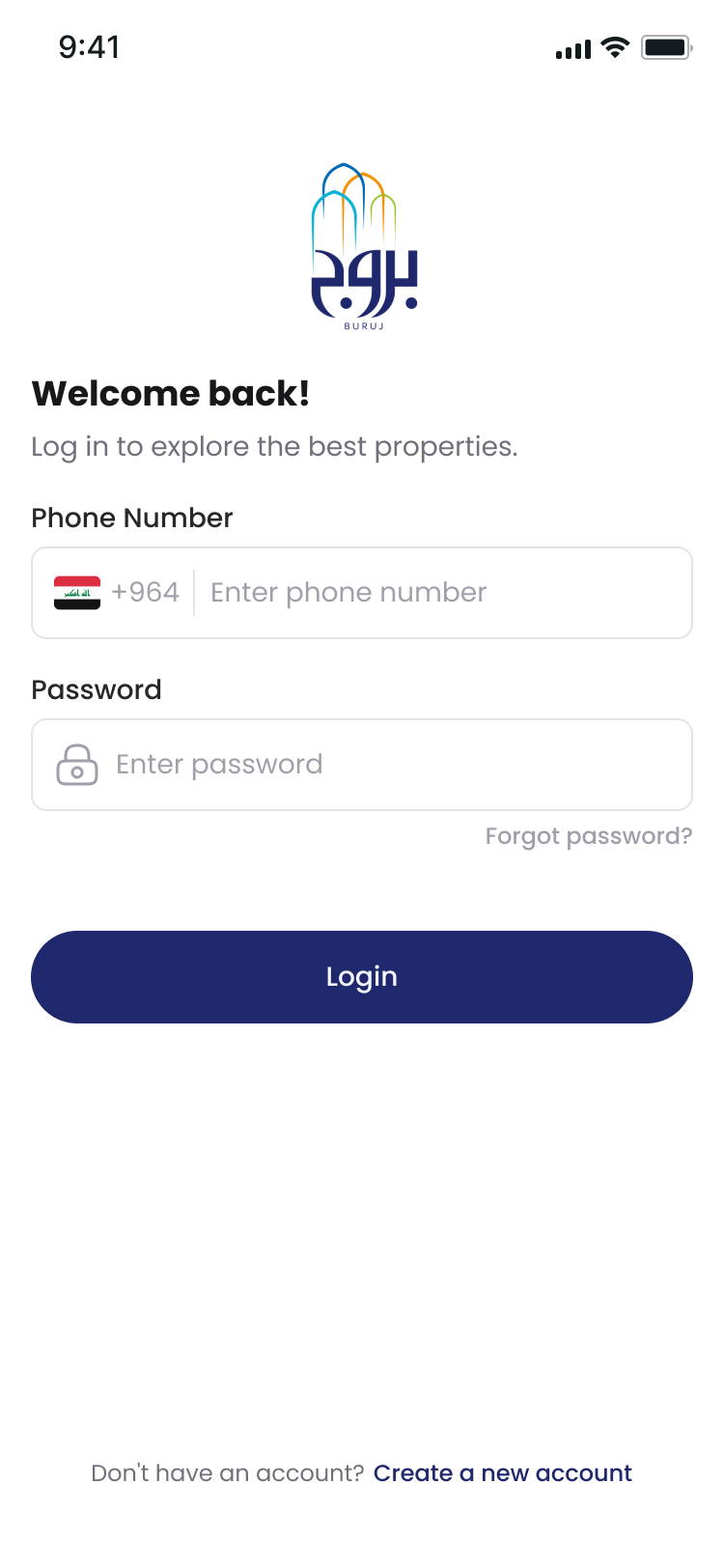
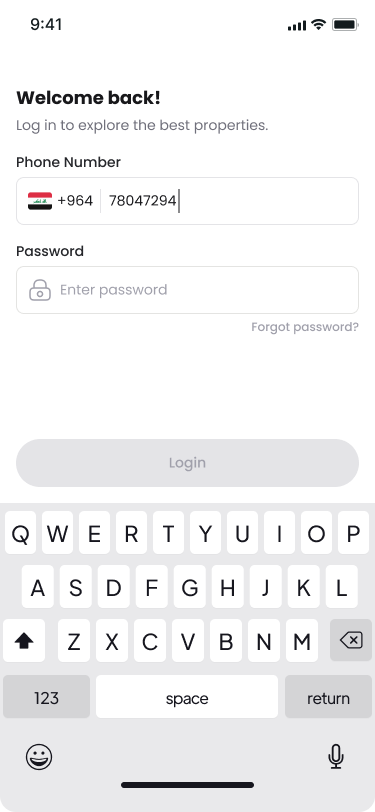
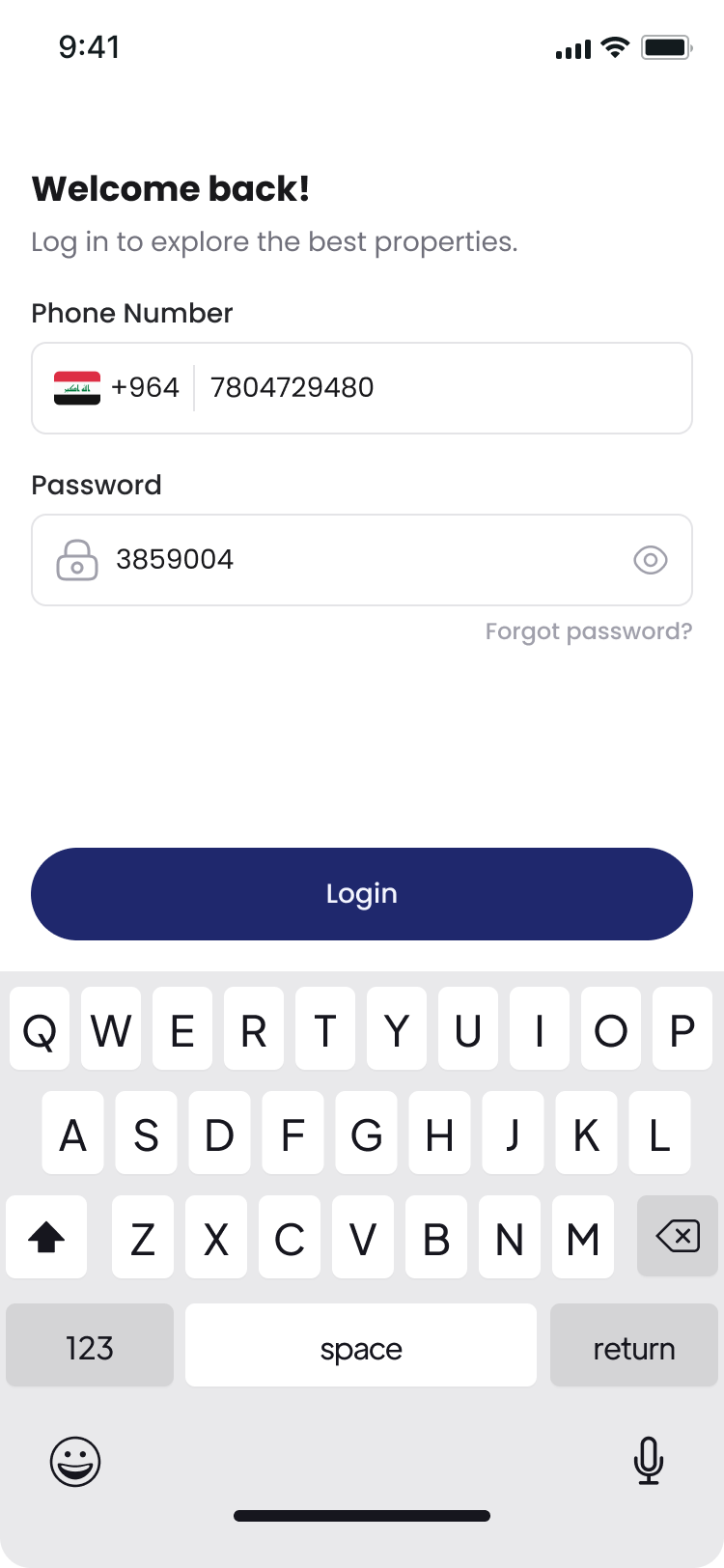
Login Screen

Resident Portal Features

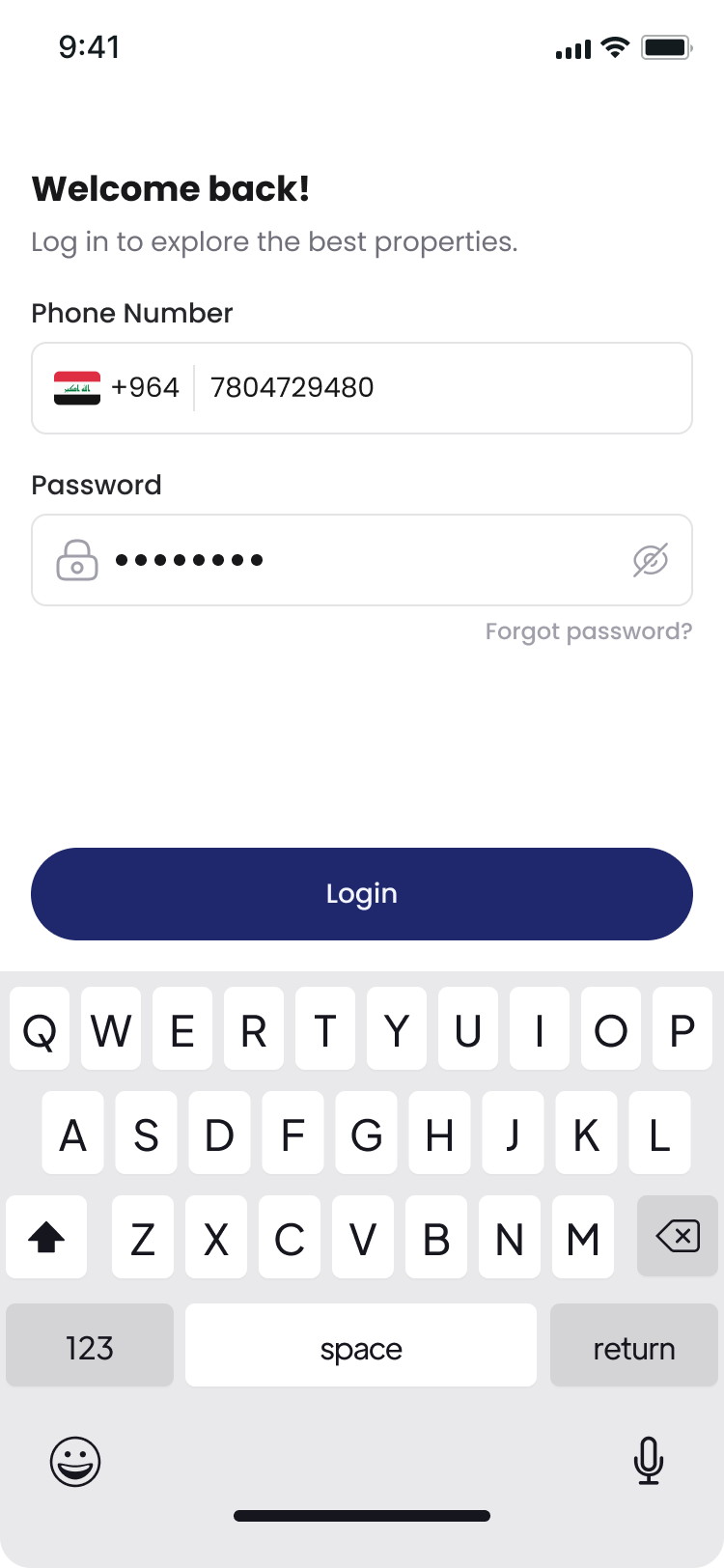
  • Secure login with personal account credentials
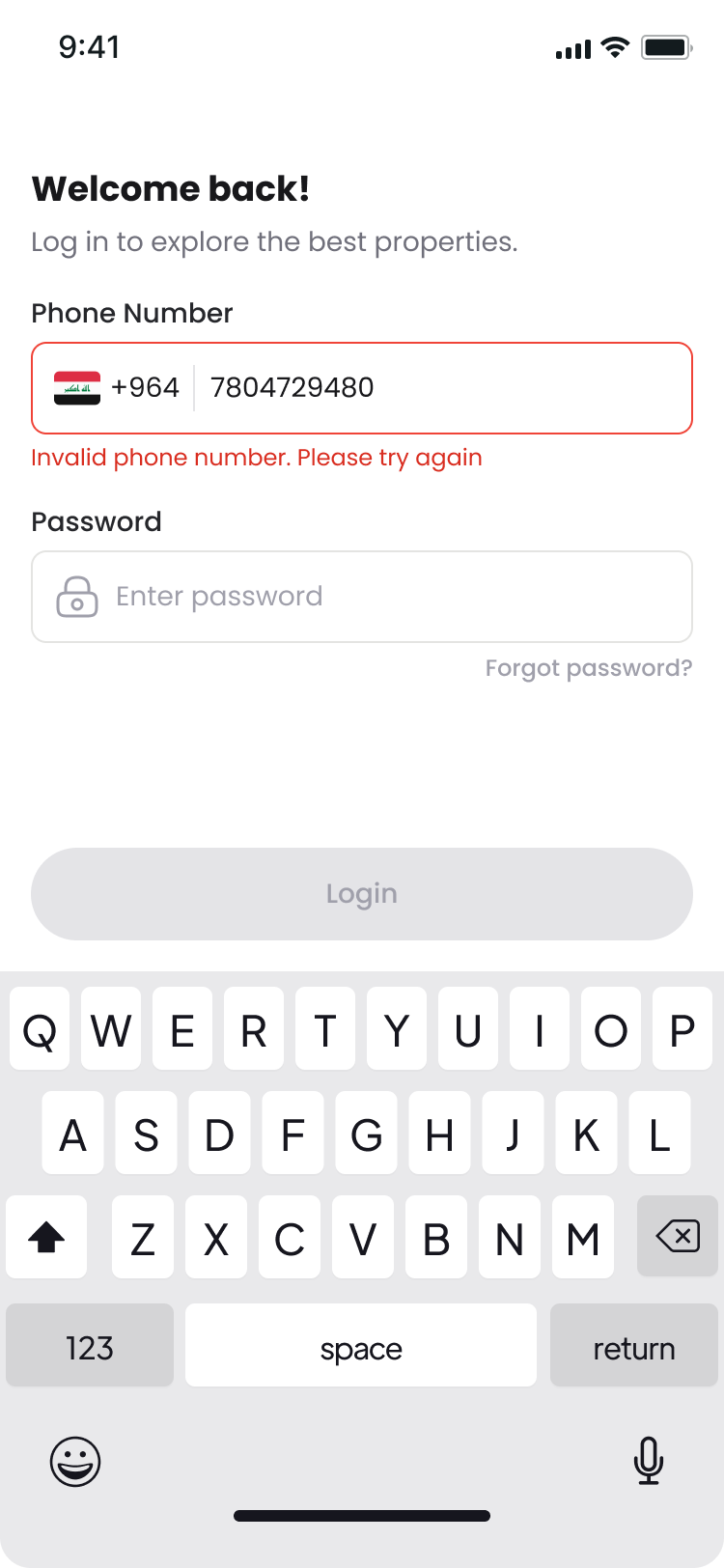
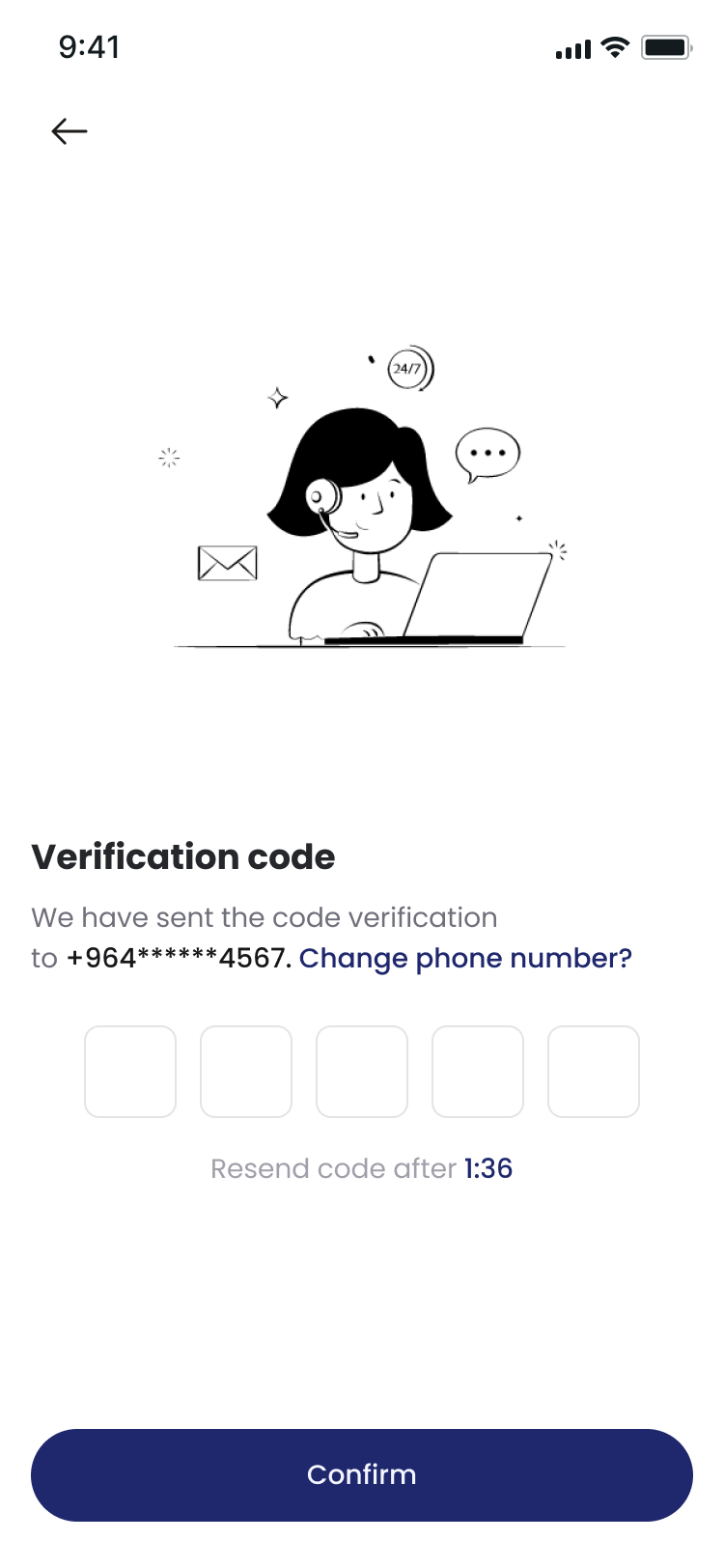
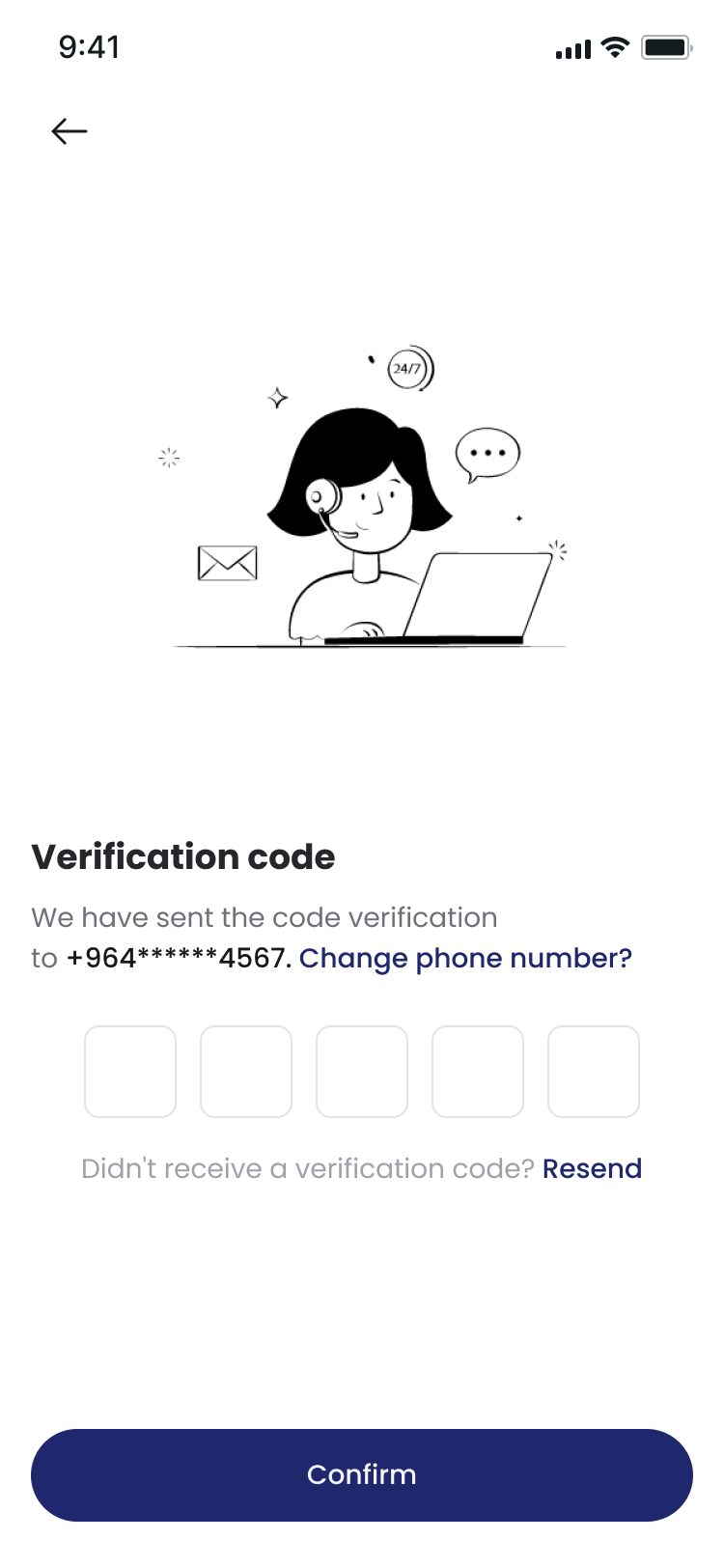
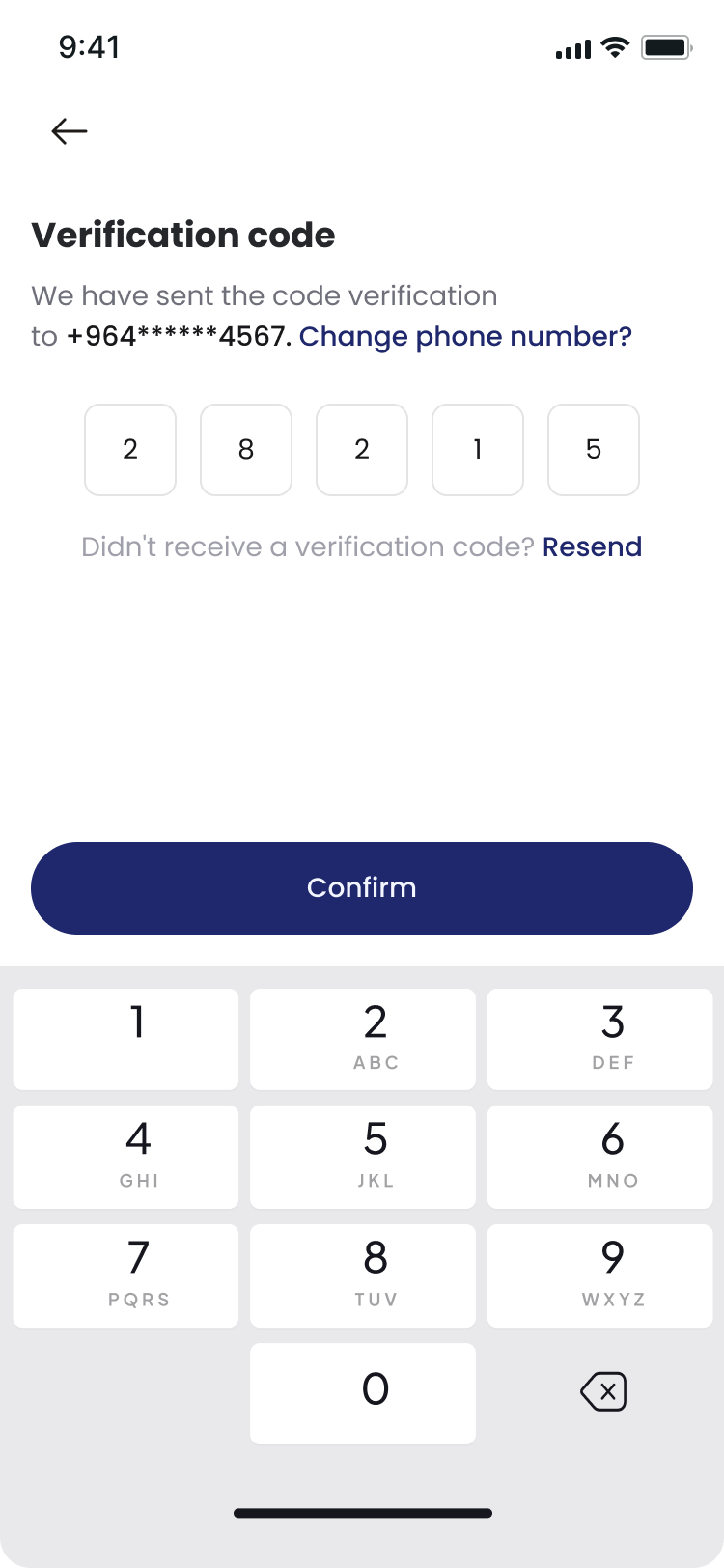
  • Phone number verification (+964 Iraq)
  • Submit new tickets with problem description and urgency level
  • Upload photos to document issues clearly
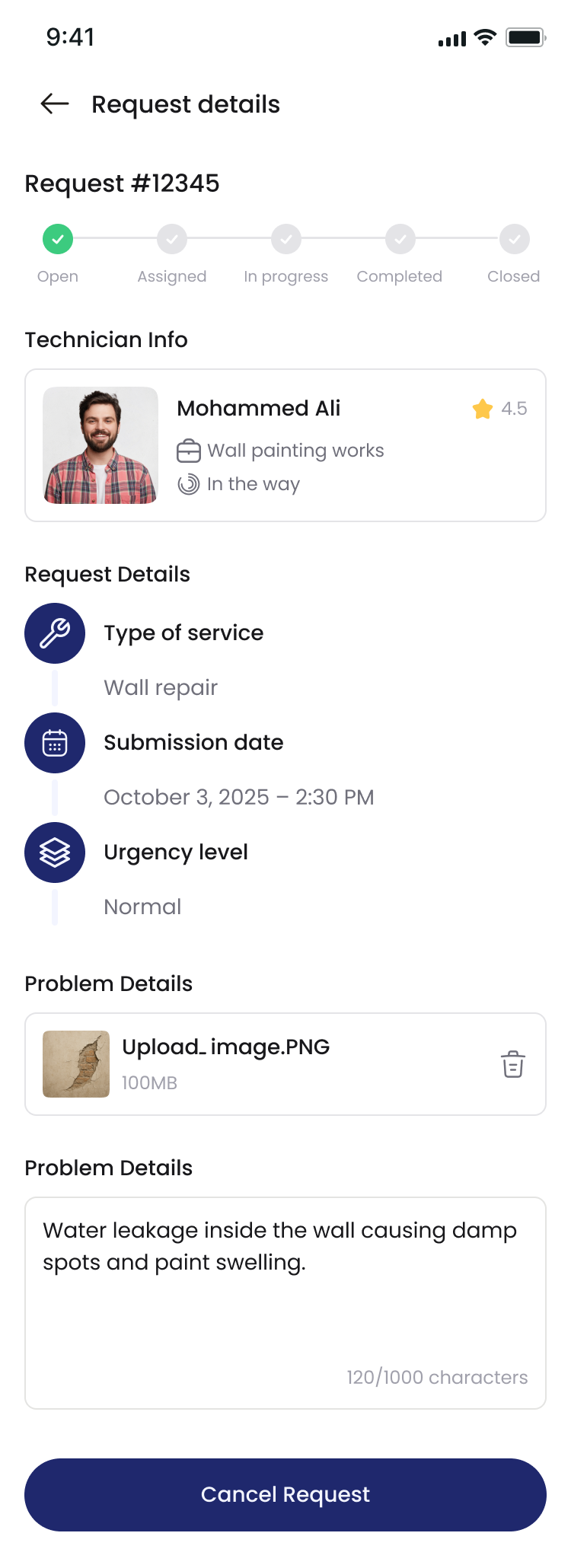
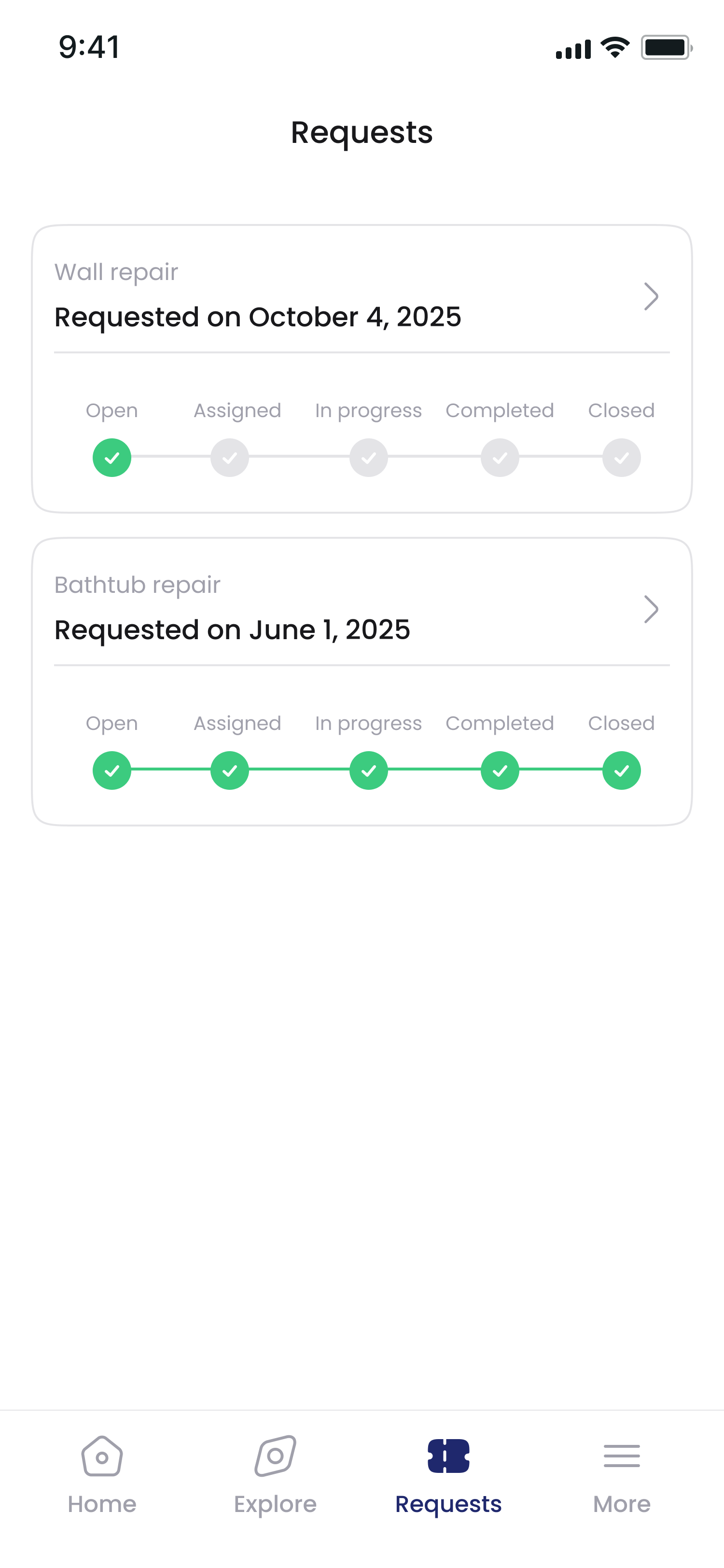
  • Real-time ticket tracking system
  • Multi-channel notifications (App + SMS/WhatsApp)
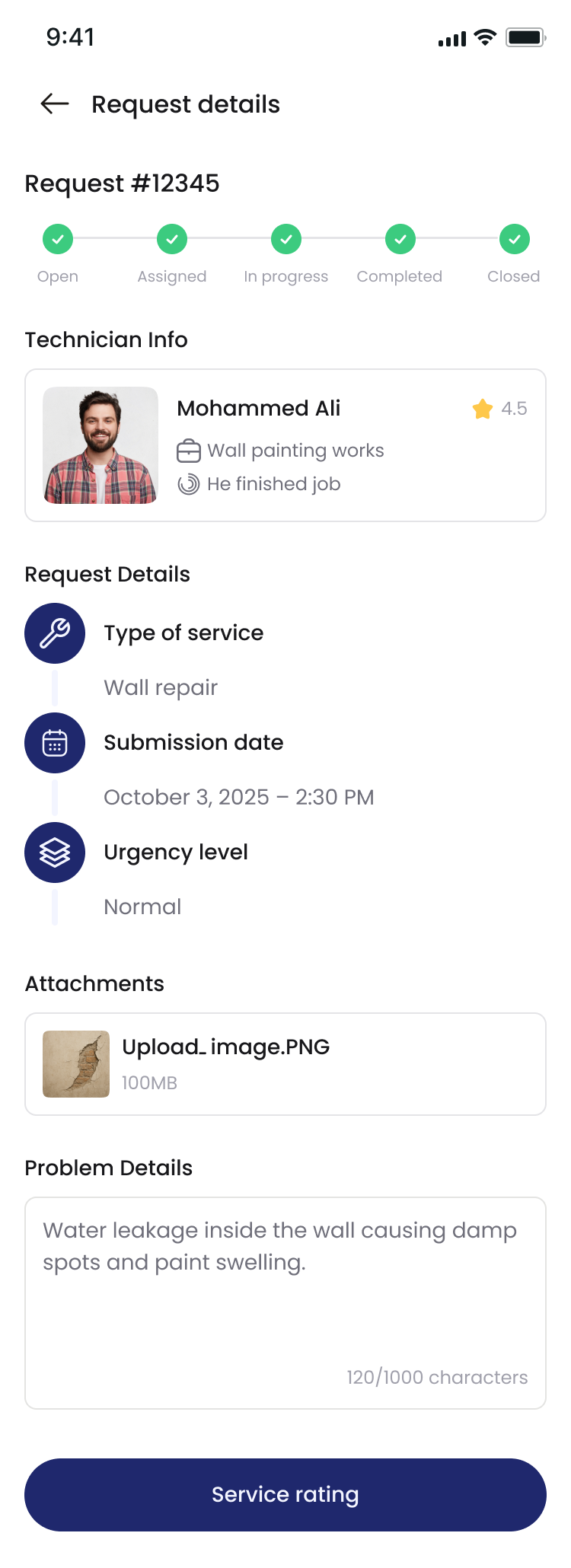
  • Service rating and evaluation after completion
  • Complete maintenance history access
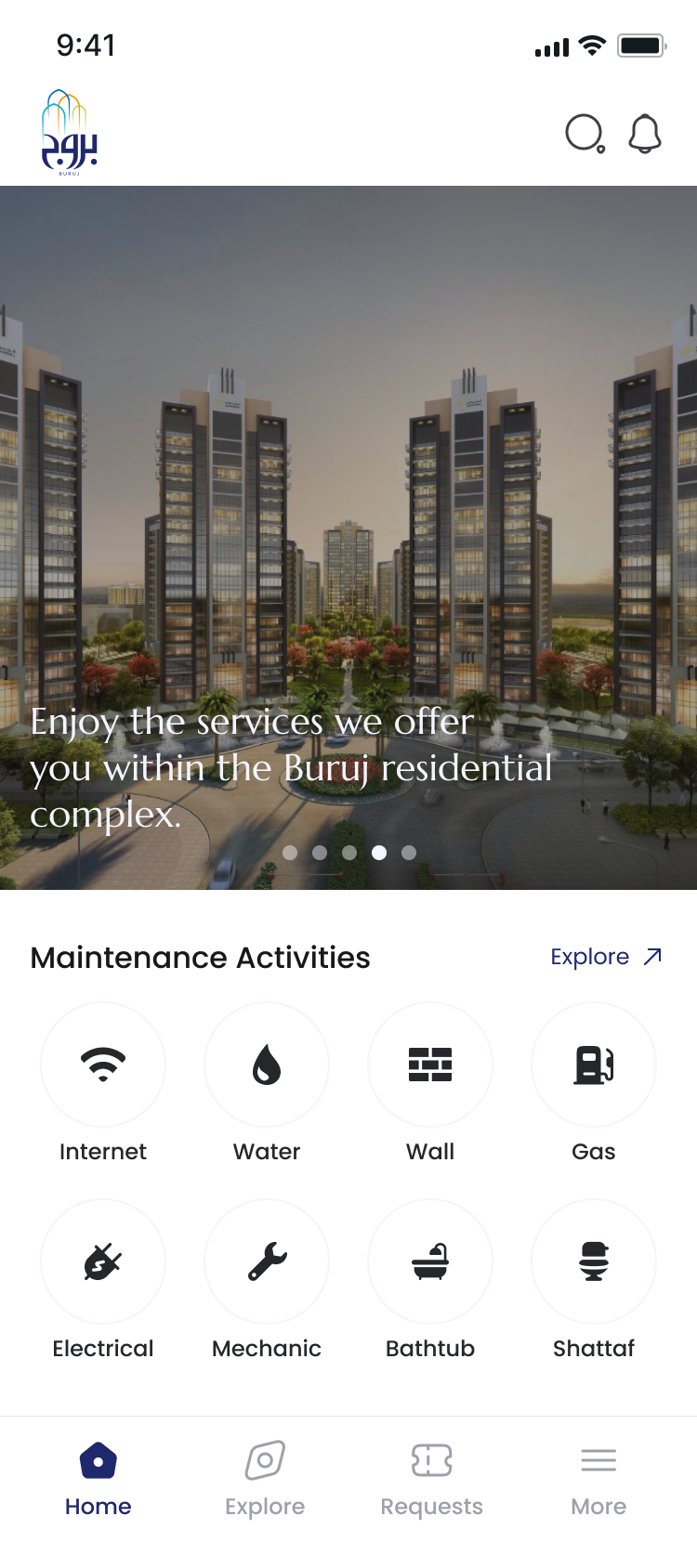
Resident Home Page

Maintenance Activities

Quick access to all maintenance categories from the home dashboard:
Available Services

  • Internet - Connectivity and network issues
  • Water - Plumbing and water supply problems
  • Wall - Wall repairs and modifications
  • Gas - Gas system maintenance
  • Electrical - Electrical repairs and installations
  • Mechanic - Mechanical systems maintenance
  • Bathtub - Bathroom fixtures and repairs
  • Shattaf - Bidet and sanitary equipment
Request Submission

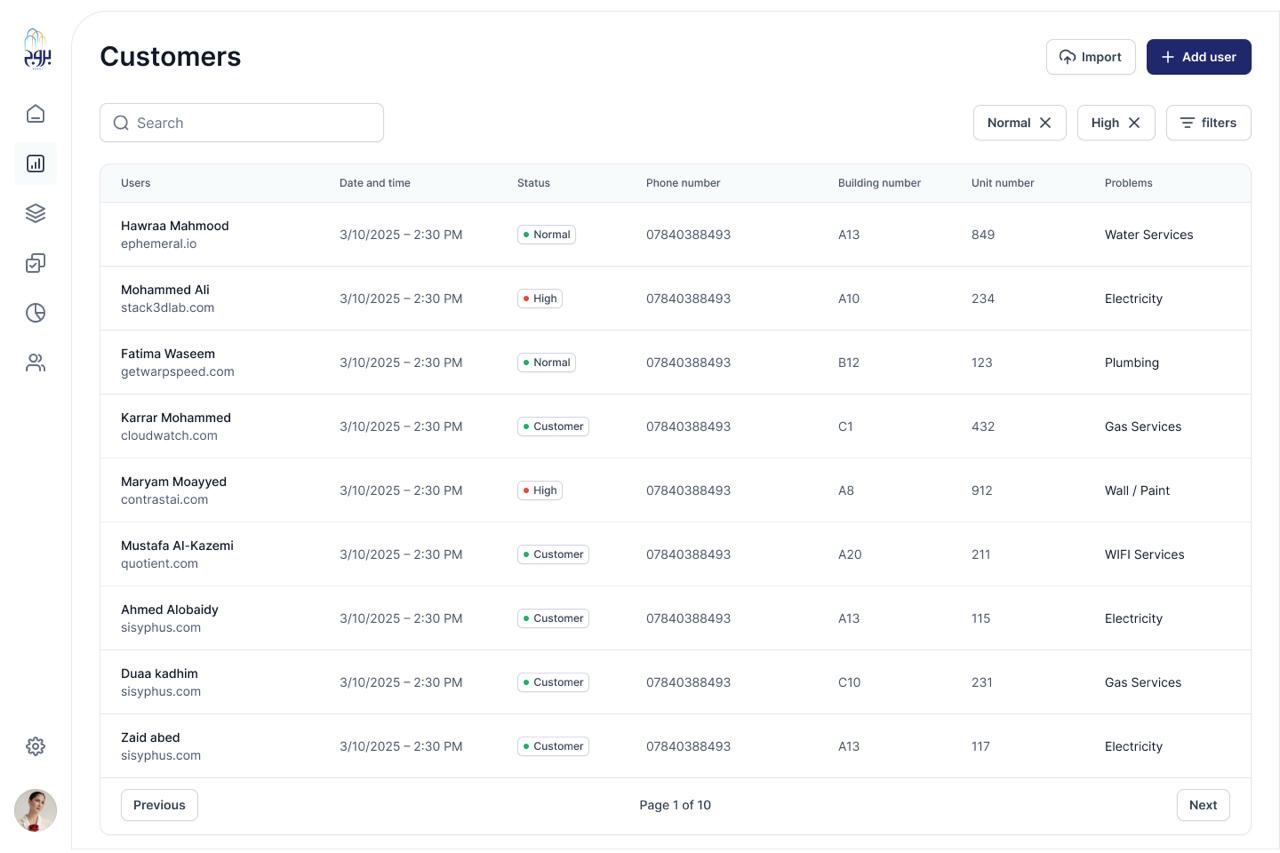
Control Panel (Maintenance Manager)

  • Comprehensive view of all incoming tickets
  • Advanced filtering by tower, unit, urgency, and category
  • Smart task assignment to available staff
  • Real-time progress monitoring and status updates
  • Generate detailed reports per resident, tower, or staff
  • Manage resident profiles and staff information
  • Track SLA compliance and response times
  • Performance analytics dashboard

System Workflow

Step 1: Resident Submission

Resident logs into their account and submits a maintenance ticket with detailed problem description, urgency level, location information, and optional photos for documentation.

Step 2: System Processing

The system automatically records the ticket, assigns a unique tracking number, and sends instant notifications to the Maintenance Manager via app and WhatsApp.

Step 3: Manager Review & Assignment

Maintenance Manager reviews ticket details, checks staff availability, and assigns the task to appropriate personnel based on expertise (mechanical, electrical, civil, etc.).

Step 4: Staff Execution

Assigned maintenance staff receives the task notification, updates status (Accepted → In Progress → Completed), and uploads completion notes with before/after photos.

Step 5: Progress Notifications

Resident receives real-time notifications at every stage of the process, ensuring complete transparency and peace of mind throughout the service delivery.

Step 6: Completion & Feedback

Upon completion, resident reviews the work, confirms satisfaction, and provides rating/feedback to help maintain high service quality standards.

Step 7: Reporting & Analytics

System closes the ticket and generates comprehensive reports including completion time, staff performance metrics, resident satisfaction ratings, and historical data for continuous improvement.
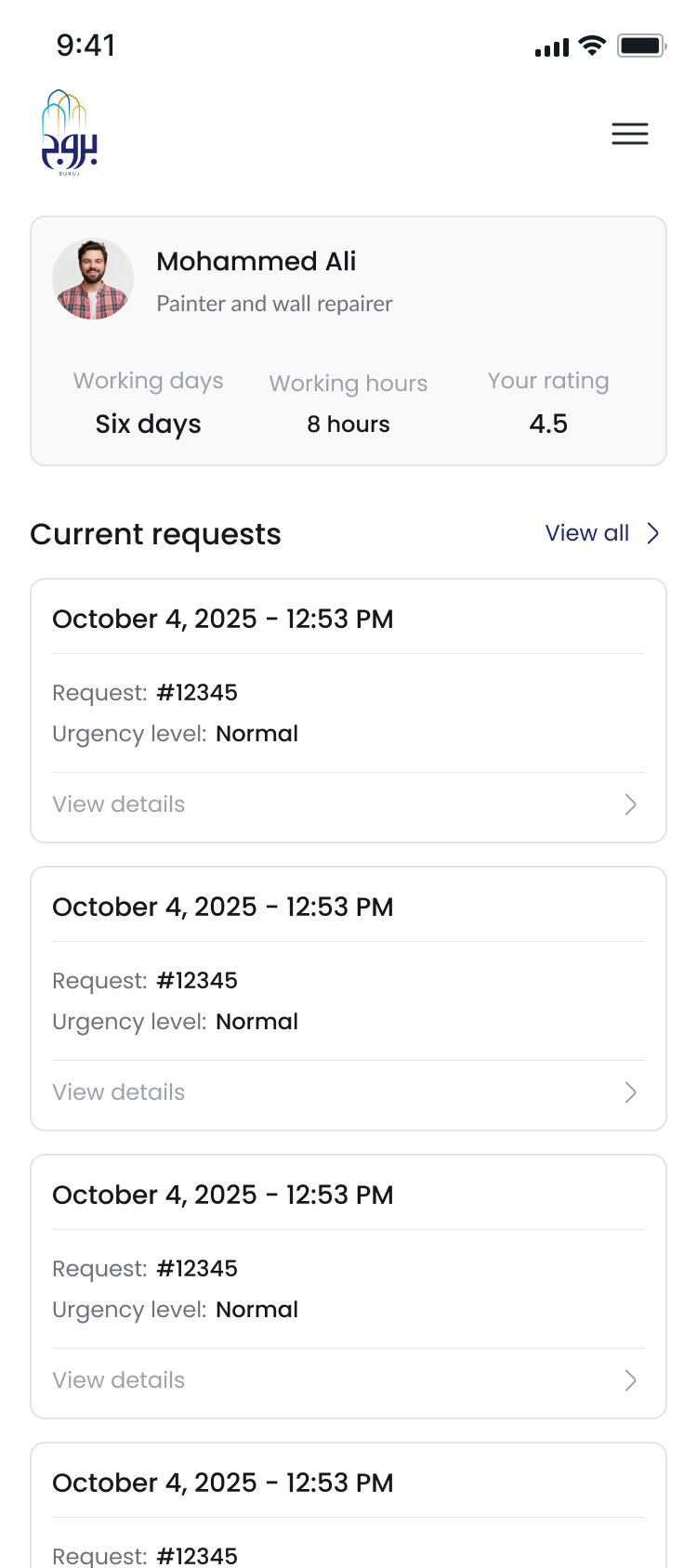
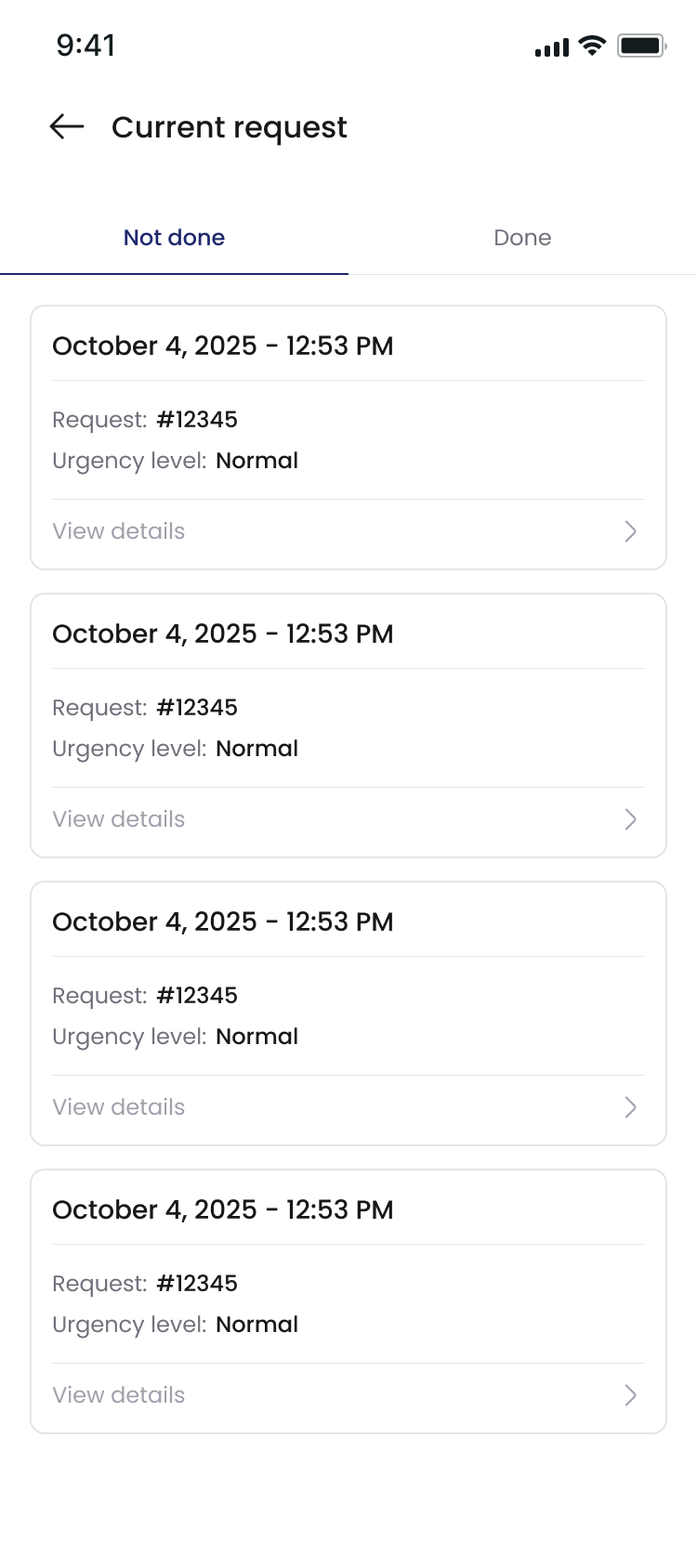
Staff Dashboard

Maintenance Staff Interface

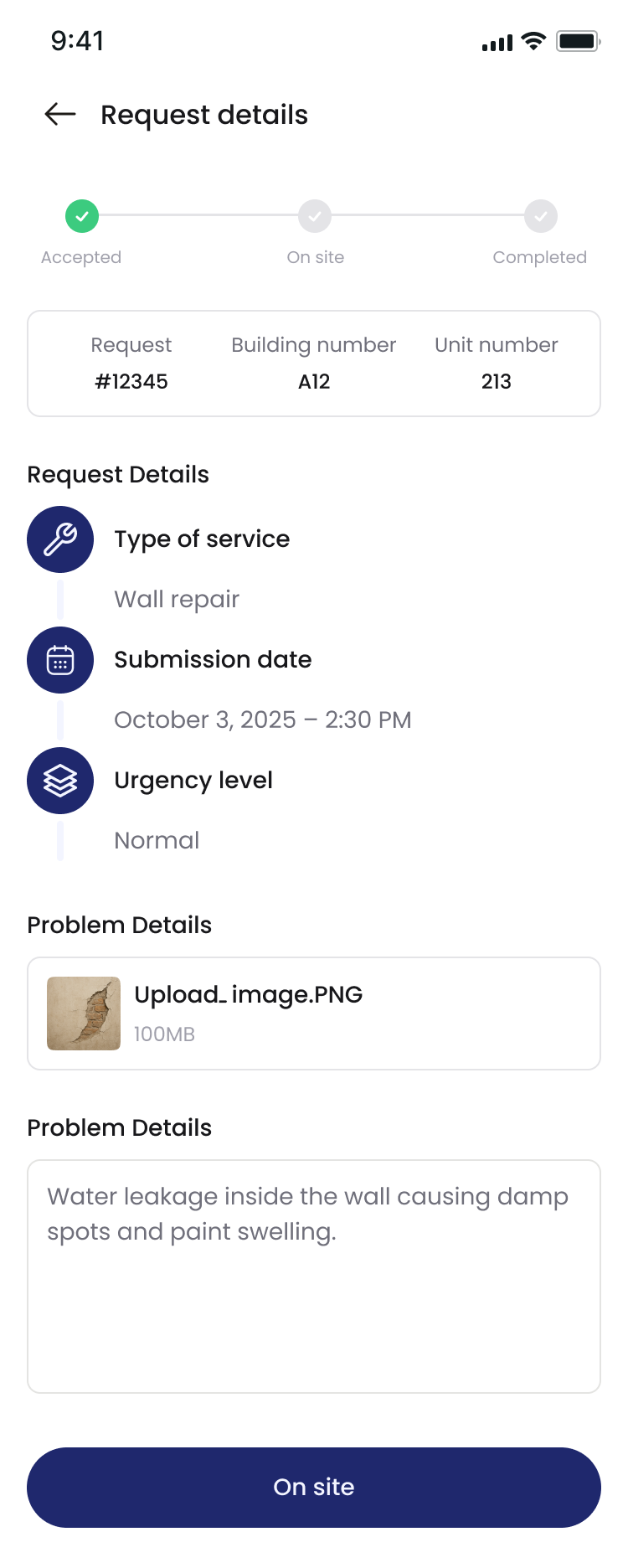
  • Receive assigned tasks with full details and priority levels
  • View resident information and location on integrated map
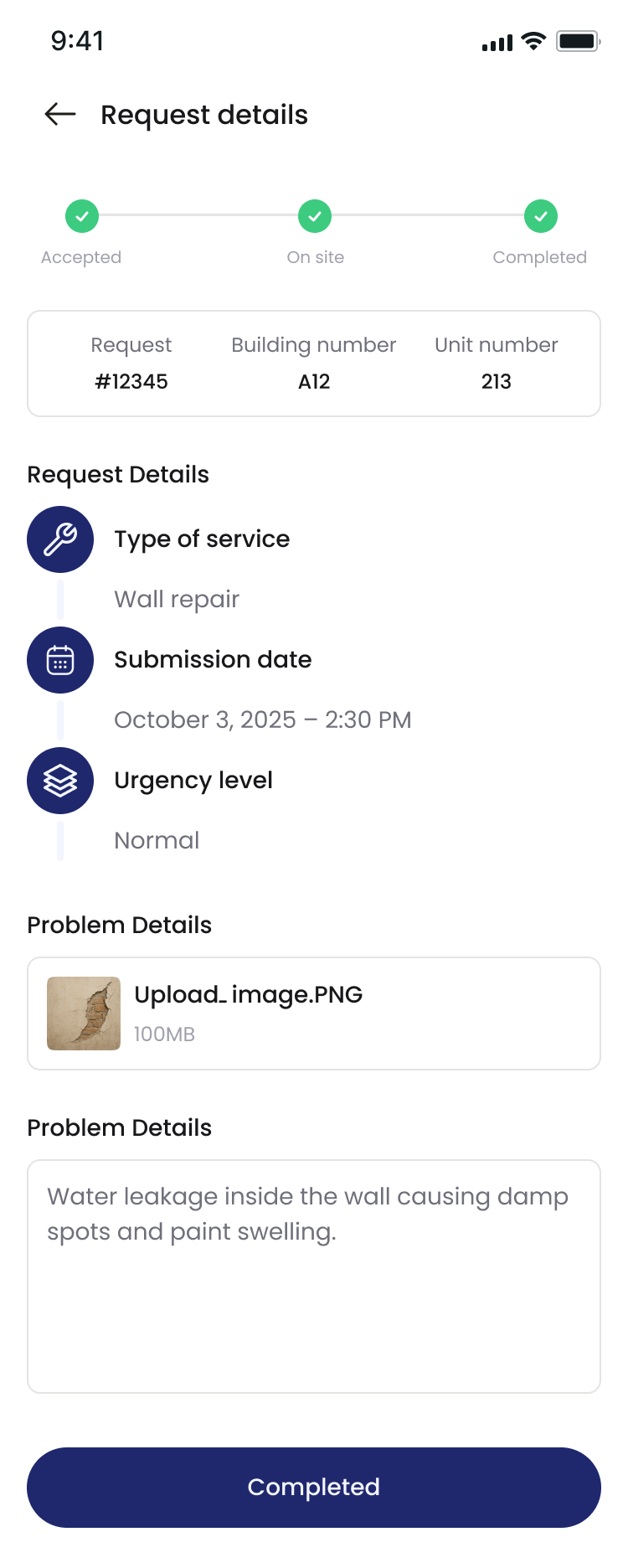
  • Update job status in real-time (Accepted → On-site → Completed)
  • Upload completion notes and photo documentation
  • Track personal performance metrics and ratings
  • Access task history and completed work records
  • Communicate with residents through in-app messaging
  • View daily schedule and upcoming assignments
Current Requests

Reports & Analytics

  • Ticket volume analysis by category (mechanical, electrical, civil, etc.)
  • Average response time and completion time tracking
  • Staff performance metrics (number of tasks, completion rate, ratings)
  • Resident feedback aggregation and satisfaction rates
  • SLA compliance reports and breach alerts
  • Trend analysis for preventive maintenance planning
  • Cost tracking and budget management reports
  • Export capabilities for external analysis
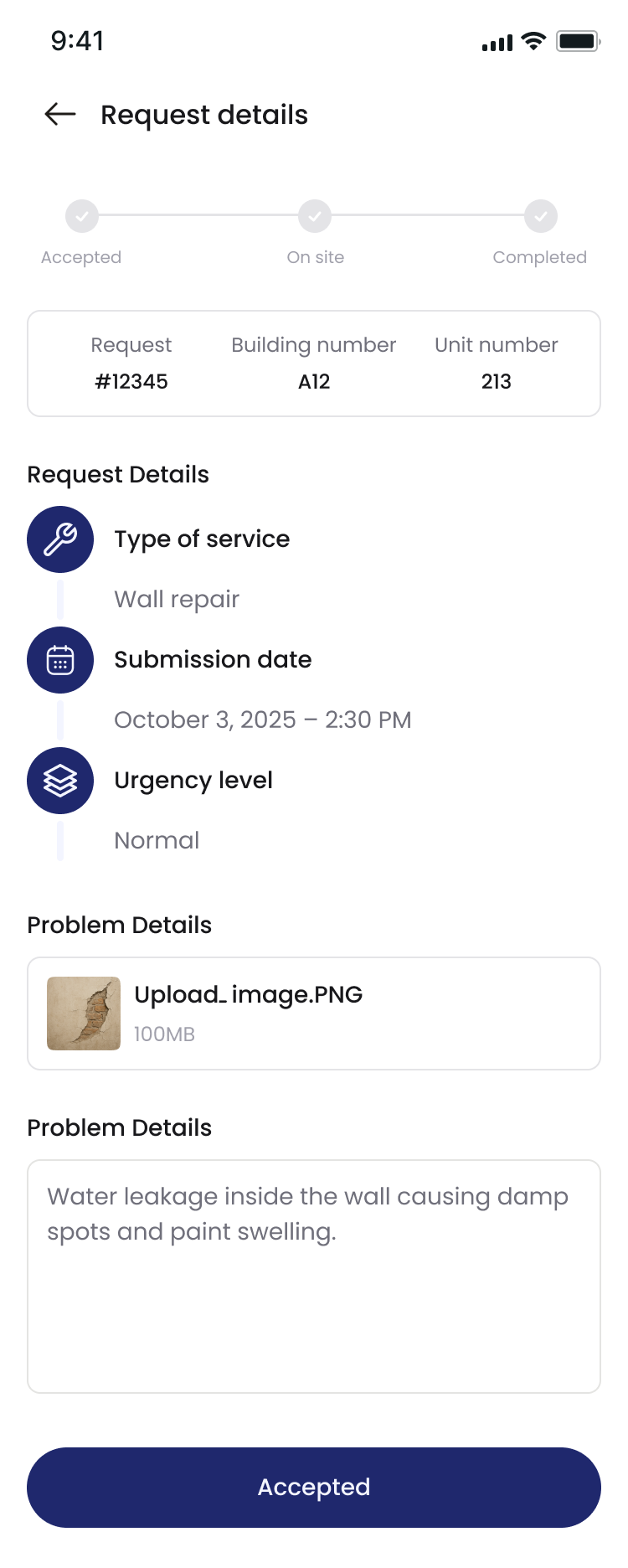
Request Details

Premium Features

  • WhatsApp Integration: Instant notifications for all stakeholders
  • SLA Management: Urgent requests (2 hours), Normal requests (24 hours)
  • Smart Escalation: Automatic alerts for delayed tasks
  • Real-time Dashboard: KPIs, workload distribution, performance metrics
  • Historical Tracking: Complete audit trail for all activities
  • Mobile Responsive: Access from any device, anywhere
  • Multi-language Support: Arabic and English interfaces
  • Secure Authentication: Role-based access control
Admin Panel

Admin Control Panel

The comprehensive web-based administrative dashboard provides complete oversight and control over the entire maintenance ecosystem. Designed for administrators and management teams to efficiently manage operations, users, and system configurations.

Core Capabilities

  • Centralized dashboard with real-time KPIs and metrics
  • Complete user management (residents, staff, managers)
  • Role-based access control and permissions management
  • Tower and unit configuration management
  • Service category and pricing configuration
  • System-wide settings and customization options

Admin Panel - Advanced Features

User Management

  • Create, edit, and deactivate user accounts
  • Assign roles and permissions (Admin, Manager, Staff, Resident)
  • Bulk user import/export capabilities
  • User activity logs and audit trails
  • Password reset and account recovery
  • Multi-tower access management

Property Management

  • Add and manage multiple residential towers
  • Configure floors, units, and layouts
  • Assign residents to specific units
  • Track occupancy rates and vacancy
  • Manage common areas and facilities
  • Set tower-specific maintenance policies

Analytics & Reporting

  • Comprehensive performance dashboards
  • Custom report generation and scheduling
  • Financial tracking and budget analysis
  • Service quality metrics and trends
  • Staff productivity and workload reports
  • Resident satisfaction analytics

Ticket Oversight

  • View all tickets across all towers
  • Override and reassign tasks when needed
  • Monitor SLA compliance in real-time
  • Escalate critical or delayed tickets
  • Archive and retrieve historical tickets
  • Mass ticket operations and bulk actions

Service Configuration

  • Define maintenance service categories
  • Set service pricing and cost structures
  • Configure SLA timeframes per service type
  • Manage service availability schedules
  • Create custom service workflows
  • Set automatic assignment rules

Notification Management

  • Configure notification templates
  • Manage WhatsApp integration settings
  • Set up SMS and email notifications
  • Create broadcast messages to users
  • Schedule maintenance announcements
  • Configure escalation alerts

Security & Compliance

  • Two-factor authentication management
  • IP whitelist and access restrictions
  • Data backup and recovery settings
  • Compliance reporting and auditing
  • Privacy settings and data retention
  • Security logs and breach monitoring

Financial Management

  • Track service costs and expenses
  • Generate invoices and billing reports
  • Budget allocation per tower/service
  • Payment tracking and reconciliation
  • Vendor and contractor payment logs
  • Financial forecasting and planning

Quality Assurance

  • Review and approve completed work
  • Quality inspection checklists
  • Resident feedback monitoring
  • Staff performance evaluations
  • Service quality score tracking
  • Improvement action plan management

Pricing Plans

Choose the plan that best fits your residential tower's needs. Both plans include the same comprehensive features and support.

RECOMMENDED

Plan A: Fixed Investment

$100,000
One-time investment
Payment Structure:
  • Flexible invoice-based payments
  • Split into multiple manageable invoices
  • Customizable payment schedule
  • No additional per-user fees
What's Included:
  • Complete system deployment
  • Unlimited residents and staff
  • All premium features included
  • Full admin panel access
  • WhatsApp integration
  • Ongoing technical support
  • Regular updates and maintenance
  • Data security and backups

Plan B: Flexible Per-User

$15,000 + $10/user
Initial setup + monthly per user
Payment Breakdown:
  • Initial setup: $15,000
  • Per user: $10/month
  • Billed monthly based on active users
  • Scale as your community grows
What's Included:
  • Complete system deployment
  • All premium features included
  • Full admin panel access
  • WhatsApp integration
  • Ongoing technical support
  • Regular updates and maintenance
  • Data security and backups
  • Pay only for active users

Important Notes

  • Same Quality Service: Both plans include identical features, support, and system capabilities
  • No Feature Restrictions: All residents, staff, and managers have access to the complete platform
  • Flexible Migration: Start with Plan B and migrate to Plan A as your community grows
  • Custom Solutions: Need something different? Contact us for a tailored pricing plan
  • Transparent Billing: No hidden fees or surprise charges - what you see is what you pay

Cost Comparison Example

50 Users - Year 1
Plan A: $100,000
Plan B: $21,000
($15k + $10×50×12)
100 Users - Year 1
Plan A: $100,000
Plan B: $27,000
($15k + $10×100×12)
200 Users - Year 1
Plan A: $100,000 ✓
Plan B: $39,000
($15k + $10×200×12)

💡 Plan A becomes more cost-effective as your user base grows beyond 150+ active users
Complete Interface Gallery

Onboarding & Authentication

Login & Password Recovery

Resident Interface

Maintenance Staff Portal

Admin Control Panel